
Create a Pomodoro Timer with HTML, CSS, and Vanilla JavaScript – Complete 2026 Guide with Modern Features
2 weeks ago · Updated 2 weeks ago
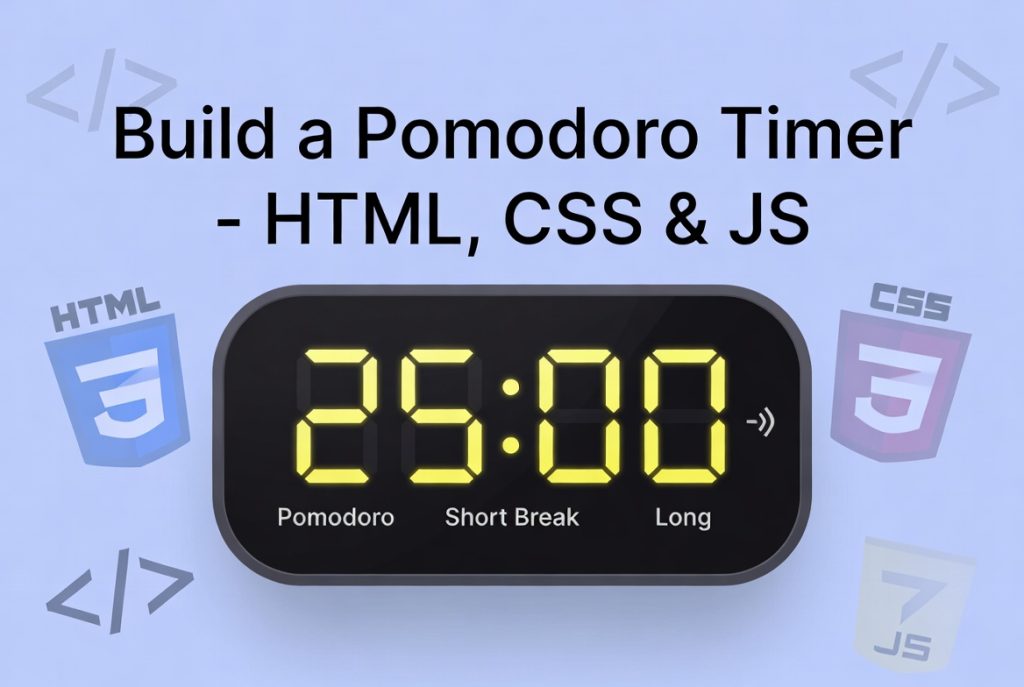
The Pomodoro Technique remains one of the most effective productivity methods in 2026. Developed by Francesco Cirillo in the late 1980s, it breaks work into focused 25-minute intervals (called “Pomodoros”) separated by short breaks. After four Pomodoros, you take a longer 15–30 minute break. This simple rhythm helps combat procrastination, maintain concentration, and prevent burnout.
In this comprehensive tutorial, we will build a fully functional Pomodoro Timer using pure HTML, CSS, and Vanilla JavaScript — no frameworks or libraries required. The timer will include:
- 25-minute Pomodoro sessions
- 5-minute short breaks
- 15-minute long breaks
- Start, Pause, and Reset controls
- Visual countdown display
- Alarm sound when a session ends
- Clean, modern UI with smooth animations
- Responsive design that works on desktop and mobile
By the end of this guide, you will have a professional-looking Pomodoro timer that you can customize further or integrate into your own productivity website or web app.
This project is perfect for beginners learning JavaScript timers and for experienced developers who want a clean, performant implementation using modern vanilla JS practices.
We start with a clean semantic HTML structure. The main components are:
- Three mode buttons: Pomodoro (25 min), Short Break (5 min), Long Break (15 min)
- A large central timer display showing minutes and seconds
- Control buttons: Start, Pause, Reset
- A subtle progress ring or background animation (optional for visual appeal)
Here’s the complete HTML skeleton:
<!DOCTYPE html>
<html lang="en">
<head>
  <meta charset="UTF-8">
  <meta name="viewport" content="width=device-width, initial-scale=1.0">
  <title>Pomodoro Timer</title>
  <link rel="stylesheet" href="style.css">
</head>
<body>
  <div class="container">
    <h1>Pomodoro Timer</h1>

    <div class="mode-buttons">
      <button id="pomodoro" class="mode-btn active">Pomodoro</button>
      <button id="short" class="mode-btn">Short Break</button>
      <button id="long" class="mode-btn">Long Break</button>
    </div>

    <div class="timer-display" id="timer">25:00</div>

    <div class="controls">
      <button id="start">Start</button>
      <button id="pause">Pause</button>
      <button id="reset">Reset</button>
    </div>
  </div>

  <script src="script.js"></script>
</body>
</html>
The structure is simple and accessible. We use semantic classes and clear IDs so JavaScript can easily target elements.
A good Pomodoro timer should feel calm and focused. We use a dark/light mode-friendly color scheme, large readable typography, and subtle animations.
Key CSS features in 2026:
- CSS custom properties for easy theming
- Smooth transitions and hover effects
- Responsive design with mobile-first approach
- Accessible focus states
- Subtle progress indication
Here’s the core styling (excerpt):
:root {
  --primary: #e63946;
  --bg: #f8f9fa;
  --text: #212529;
}

body {
  font-family: 'Inter', system-ui, sans-serif;
  background: var(--bg);
  color: var(--text);
  display: flex;
  align-items: center;
  justify-content: center;
  min-height: 100vh;
  margin: 0;
}

.container {
  text-align: center;
  background: white;
  padding: 3rem 2rem;
  border-radius: 24px;
  box-shadow: 0 20px 40px rgba(0,0,0,0.1);
  max-width: 420px;
  width: 90%;
}

.timer-display {
  font-size: 5.5rem;
  font-weight: 700;
  letter-spacing: -4px;
  margin: 2rem 0;
  transition: all 0.3s ease;
}

.mode-buttons button {
  padding: 12px 24px;
  border: none;
  border-radius: 50px;
  margin: 0 6px;
  font-weight: 600;
  cursor: pointer;
  transition: all 0.3s ease;
}

.mode-buttons button.active {
  background: var(--primary);
  color: white;
}
The design is clean, modern, and distraction-free — perfect for maintaining focus during work sessions.
The heart of the Pomodoro timer is the JavaScript implementation. We use setInterval() for the countdown, handle multiple modes, and add sound feedback.
Here’s the complete, well-commented script (key parts explained):
// Elements
const pomodoroBtn = document.getElementById('pomodoro');
const shortBtn = document.getElementById('short');
const longBtn = document.getElementById('long');
const timerDisplay = document.getElementById('timer');
const startBtn = document.getElementById('start');
const pauseBtn = document.getElementById('pause');
const resetBtn = document.getElementById('reset');

// Variables
let currentMode = 'pomodoro';
let timeLeft = 25 * 60; // seconds
let timerInterval = null;
let isRunning = false;

// Durations (in minutes)
const durations = {
  pomodoro: 25,
  short: 5,
  long: 15
};

// Update display
function updateDisplay() {
  const minutes = Math.floor(timeLeft / 60);
  const seconds = timeLeft % 60;
  timerDisplay.textContent = `${minutes}:${seconds.toString().padStart(2, '0')}`;
}

// Switch mode
function switchMode(mode) {
  currentMode = mode;

  // Update active button
  document.querySelectorAll('.mode-btn').forEach(btn => {
    btn.classList.remove('active');
    if (btn.id === mode) btn.classList.add('active');
  });

  // Set new duration
  timeLeft = durations[mode] * 60;
  updateDisplay();

  // Stop any running timer
  if (timerInterval) {
    clearInterval(timerInterval);
    isRunning = false;
  }
}

// Start timer
function startTimer() {
  if (isRunning) return;

  isRunning = true;
  timerInterval = setInterval(() => {
    timeLeft--;
    updateDisplay();

    if (timeLeft <= 0) {
      clearInterval(timerInterval);
      isRunning = false;

      // Play alarm sound
      const alarm = new Audio('https://www.soundhelix.com/examples/mp3/SoundHelix-Song-1.mp3');
      alarm.play();

      // Optional: Auto-switch to next mode (Pomodoro → Short Break)
      if (currentMode === 'pomodoro') {
        switchMode('short');
      }
    }
  }, 1000);
}

// Pause timer
function pauseTimer() {
  if (timerInterval) {
    clearInterval(timerInterval);
    isRunning = false;
  }
}

// Reset timer
function resetTimer() {
  if (timerInterval) clearInterval(timerInterval);
  isRunning = false;
  timeLeft = durations[currentMode] * 60;
  updateDisplay();
}

// Event listeners
startBtn.addEventListener('click', startTimer);
pauseBtn.addEventListener('click', pauseTimer);
resetBtn.addEventListener('click', resetTimer);

pomodoroBtn.addEventListener('click', () => switchMode('pomodoro'));
shortBtn.addEventListener('click', () => switchMode('short'));
longBtn.addEventListener('click', () => switchMode('long'));

// Initialize
updateDisplay();
This code is clean, well-structured, and uses modern vanilla JavaScript patterns. It handles multiple modes, proper cleanup of intervals, and includes an alarm sound when a session ends.
To make the timer feel premium:
- Add a subtle progress ring using SVG or CSS conic-gradient
- Implement smooth color transitions when switching modes
- Add keyboard support (Space to start/pause)
- Ensure high contrast and proper ARIA labels for accessibility
- Include a gentle ticking sound (optional)
Once the basic timer works, you can extend it with:
- Statistics tracking (Pomodoros completed today)
- Custom duration settings
- Dark/light mode toggle
- Progress saving with localStorage
- Integration with task lists
- Notification permissions for browser alerts
You now have a complete, modern Pomodoro timer built with pure HTML, CSS, and Vanilla JavaScript. The project demonstrates essential web development concepts: DOM manipulation, timers with setInterval, event handling, state management, and responsive design.
This timer is production-ready and can be easily customized or embedded into larger productivity applications. The Pomodoro Technique combined with a clean digital tool remains one of the most effective ways to boost focus and productivity in 2026.
Take this foundation, make it your own, and start using it to achieve more focused work sessions. The best productivity tools are often the simplest — and this Pomodoro timer proves exactly that.
Happy coding and happy focusing!
FAQ – Pomodoro Timer Tutorial (HTML, CSS, JS)
Q1: What is the Pomodoro Technique?
A1: The Pomodoro Technique is a productivity method that breaks work into 25-minute focused intervals called “Pomodoros,” followed by short 5-minute breaks. After four Pomodoros, you take a longer 15–30 minute break. It helps improve focus and reduce burnout.
Q2: Do I need any frameworks or libraries to build this Pomodoro Timer?
A2: No. This tutorial uses pure HTML, CSS, and vanilla JavaScript. No additional frameworks or libraries are required.
Q3: Can I customize the Pomodoro Timer durations?
A3: Yes. You can adjust the durations for Pomodoro, short break, and long break in the JavaScript code by modifying the durations object.
Q4: Will this timer work on mobile devices?
A4: Absolutely. The timer is designed to be responsive and works well on desktops, tablets, and mobile devices.
Q5: How does the alarm sound work?
A5: When a session ends, a short audio clip plays automatically. You can replace the default URL with your own sound file if desired.
Q6: Can I automatically switch from Pomodoro to break mode?
A6: Yes. The code includes an optional feature where the timer automatically switches from Pomodoro to a short break when a session ends. You can customize this behavior in the startTimer function.
Q7: Can I add a dark mode or custom themes?
A7: Yes. The CSS uses custom properties (variables) for colors, so you can easily create dark mode or other color themes by modifying :root variables.
Q8: How can I save progress or track completed Pomodoros?
A8: You can extend the timer to use localStorage to save completed Pomodoros, session counts, or statistics for daily tracking.
Q9: Is this timer accessible for all users?
A9: The HTML uses semantic elements and clear IDs. For accessibility, you can add ARIA labels, ensure high contrast, and provide keyboard shortcuts for start/pause/reset.
Q10: Can I integrate this timer into my own productivity website or app?
A10: Yes. The timer is modular and lightweight, making it easy to embed into your website or integrate with task management tools.
Leave a Reply