
Android 15 Can Detect Snatch Theft and Automatically Lock Your Screen — Here’s Why It’s a Game Changer
3 days ago
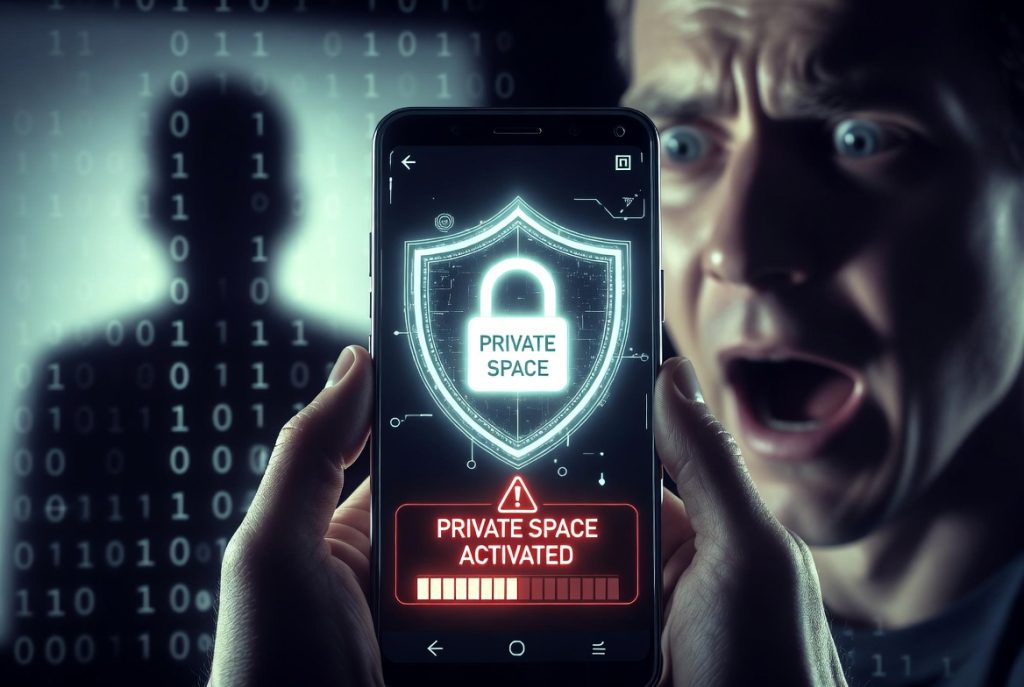
Remember that anxious feeling when you hand your phone to a friend just to show a photo? That moment of hesitation is completely understandable. In 2026, your smartphone isn’t just a communication device — it’s a digital safe containing your health records, search history, banking apps, photos, and more.
Google has finally addressed this very real concern with Android 15, introducing two powerful new security features: Private Space and Theft Detection Lock. These aren’t just minor tweaks — they represent a significant leap in how Android protects your privacy and physical device.
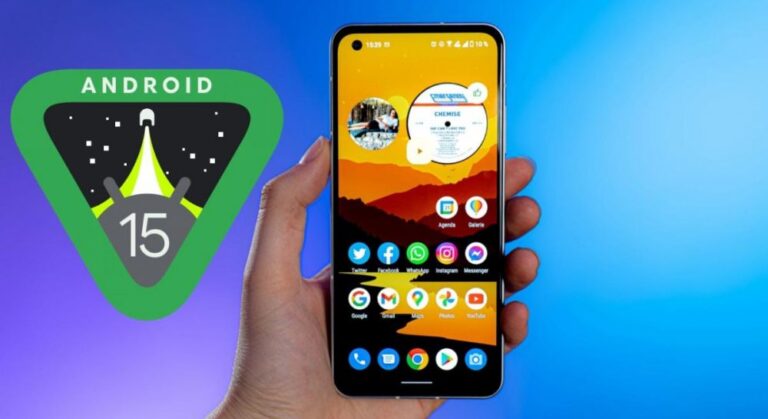
Private Space: Your Secret Second Phone Inside One Device
Private Space is far more advanced than the simple “hide app” features found on older Android versions. Think of it as having an entirely separate phone hidden inside your main device.
Here’s how it works:
- Apps placed in Private Space are completely isolated from your main system.
- They don’t appear in your regular app drawer.
- Notifications from Private Space apps never show up on your lock screen or main notification shade.
- All data in Private Space is encrypted with a separate key.
Even if someone knows your main screen lock PIN or pattern, they still can’t access Private Space without its own separate biometric authentication (fingerprint or a different PIN). You can even make Private Space completely invisible — it only appears when you type a secret keyword into the search bar.
This level of isolation makes Private Space ideal for:
- Keeping work and personal apps completely separate
- Hiding sensitive banking or health apps
- Protecting private photos and messages
- Creating a truly private space for teenagers or shared family devices
Theft Detection Lock: AI That Senses When Your Phone Is Snatched
Perhaps the most revolutionary feature in Android 15 is Theft Detection Lock.
Using a combination of AI and motion sensors, your phone can now “feel” when someone suddenly snatches it from your hand — for example, if a thief grabs it and runs away on foot or jumps on a motorcycle.
When the system detects this unusual rapid movement pattern, it automatically locks the screen instantly. This gives you a critical few extra seconds to react — perhaps by using Find My Device to locate or remotely wipe the phone.
This proactive approach is a big shift. Instead of waiting for you to notice the theft and manually lock the device, Android 15 now actively protects itself using on-device intelligence.
Why These Features Matter in 2026
We live in an era where smartphones contain more sensitive information than ever before. A lost or stolen phone can lead to identity theft, financial loss, or serious privacy breaches.
With Private Space and Theft Detection Lock, Google is moving from a reactive security model (“what do I do after the phone is stolen?”) to a proactive one (“how do we prevent or minimize damage before it happens?”).
These features also show Google’s strategy of combining the openness of Android with enterprise-grade security — something that was previously a strength of Apple’s iOS ecosystem.
How to Use Private Space on Android 15
- Go to Settings > Security & Privacy > Private Space
- Set up a separate lock method (different from your main screen lock)
- Move apps into Private Space
- (Optional) Hide the Private Space entirely by setting a secret keyword
Once set up, Private Space feels like a completely different phone — clean, isolated, and secure.
Real-World Benefits
- Parents: Create a Private Space for kids’ apps while keeping your own banking apps safe
- Professionals: Separate work and personal life without carrying two phones
- Travelers: Keep sensitive travel documents and apps hidden
- Anyone concerned about privacy: Protect your most personal data from prying eyes
The Bigger Picture: Android’s Security Evolution
Android 15 continues Google’s push to make Android more secure without sacrificing the openness that defines the platform. Features like:
- Private Space
- Theft Detection Lock
- Improved app sandboxing
- Better permission controls
…show that Google is serious about competing with Apple on privacy and security while maintaining Android’s flexibility.
For users tired of Windows-like bloat and aggressive tracking on other platforms, these Android 15 improvements make a compelling case for switching or staying with Android.
Final Thoughts
Android 15 isn’t just another incremental update. With Private Space and Theft Detection Lock, Google has delivered meaningful innovations that directly address real user concerns about privacy and device security.
If you’ve ever worried about someone accessing your phone, or felt anxious handing it over even briefly, these features could be exactly what you’ve been waiting for.
The era of truly intelligent, proactive mobile security is here — and it’s running on Android 15.
Have you tried Private Space or Theft Detection Lock yet? What do you think of these new features? Share your thoughts in the comments below!
FAQ: Android 15 Security Features (2026)
1. What is Private Space in Android 15?
Private Space is a secure, isolated area on your phone where you can hide apps, files, and sensitive data with separate authentication.
2. How is Private Space different from hiding apps?
Unlike basic hide-app features, Private Space is fully encrypted and completely separated from your main system.
3. Can someone access Private Space if they know my phone PIN?
No. Private Space requires separate authentication, such as a different PIN or biometric login.
4. What is Google Theft Detection Lock?
It is an AI-powered security feature that automatically locks your phone when it detects suspicious motion, such as a sudden snatch or theft attempt.
5. How does Theft Detection Lock work?
It uses motion sensors and AI to detect unusual movement patterns and instantly locks the device to protect your data.
6. Does Theft Detection Lock work offline?
Yes, it works directly on-device without requiring an internet connection.
7. What can I store in Private Space?
You can store banking apps, private photos, work apps, health data, and any sensitive applications.
8. Can I completely hide Private Space?
Yes, it can be hidden and only accessed using a secret keyword or authentication method.
9. Is Private Space available on all Android phones?
It is available on devices running Android 15 or newer, depending on manufacturer support.
10. Does Private Space affect phone performance?
No, it is designed to run efficiently with minimal impact on performance or battery life.
11. Can Theft Detection Lock accidentally trigger?
Rarely, but extreme movements like running or shaking the phone may occasionally activate it.
12. Why are these features important in 2026?
Because smartphones now store extremely sensitive personal and financial data, requiring stronger built-in security and theft protection.
Leave a Reply